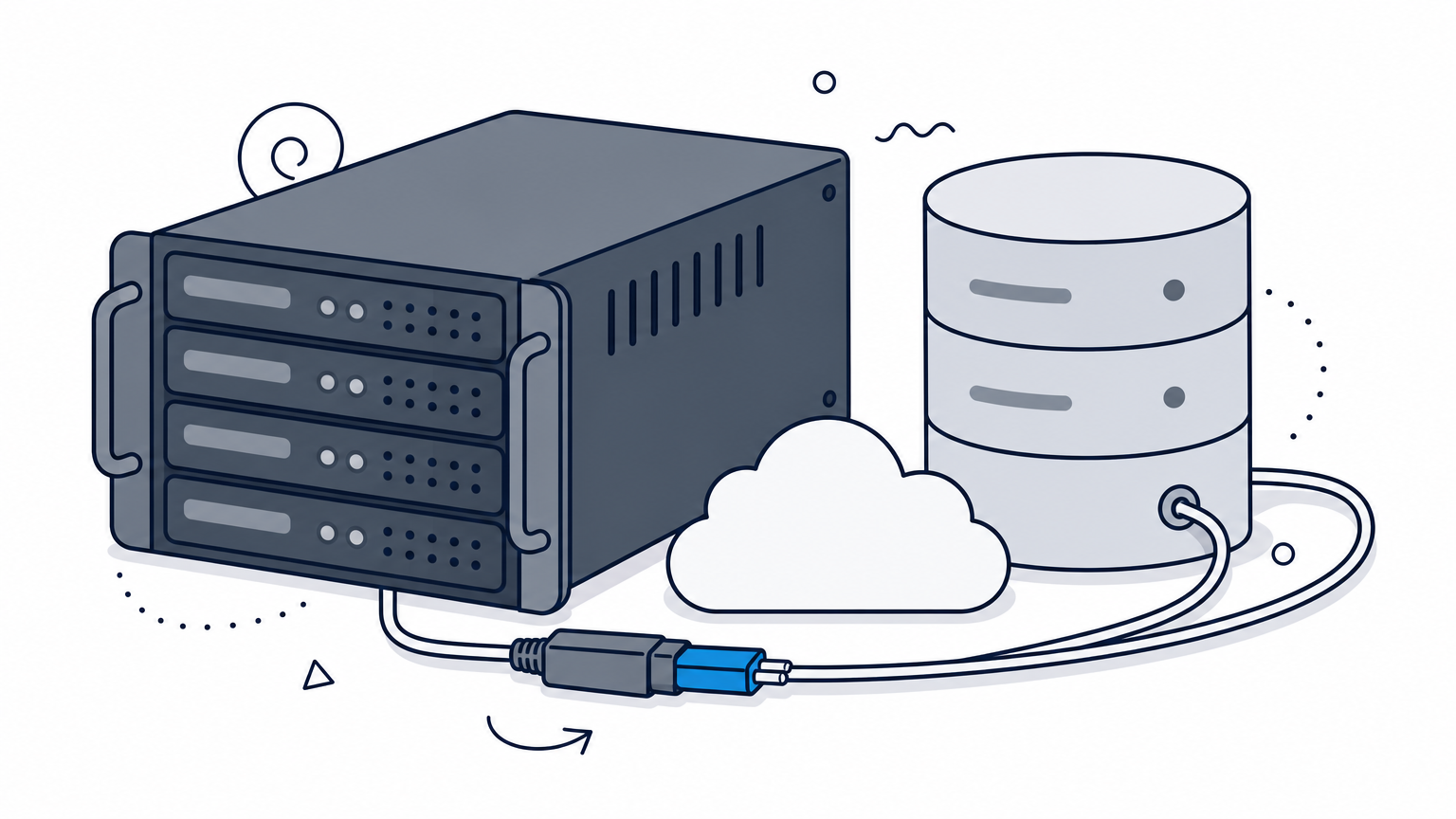
AWS Database Migration Service (AWS DMS) is a managed AWS service that copies data from one database to another, as long as one side of the move runs on AWS. It reads from your source database, loads the target, and can keep applying new changes so the source stays live until you switch over. That is how teams move databases to Amazon RDS, Aurora, Redshift or DynamoDB with little downtime. It moves data. It does not move servers or rewrite your application code.
Most confusion about AWS data migration services comes from the number of tools AWS offers under similar names. DMS, the Schema Conversion Tool, Application Migration Service and DataSync each solve a different problem. Picking the wrong one costs weeks.
ThinkMove Solutions is a cloud consulting company that handles AWS migration work. This article explains why DMS matters, how its parts fit together, how to run a migration step by step, what it costs, and where it falls short. You will finish knowing whether DMS is the right tool for your move and what to prepare before you start.
Why AWS Database Migration Service matters
It matters because it lets you move a live database to AWS without a long outage and without building your own replication tooling. The alternative is usually a dump-and-restore, which forces you to freeze writes for as long as the copy takes.
It keeps the source database running
With DMS, the initial copy runs while your application keeps writing to the source. DMS records the changes that happen during the copy and applies them to the target afterward. Your downtime shrinks from the length of the whole copy to the length of the cutover.
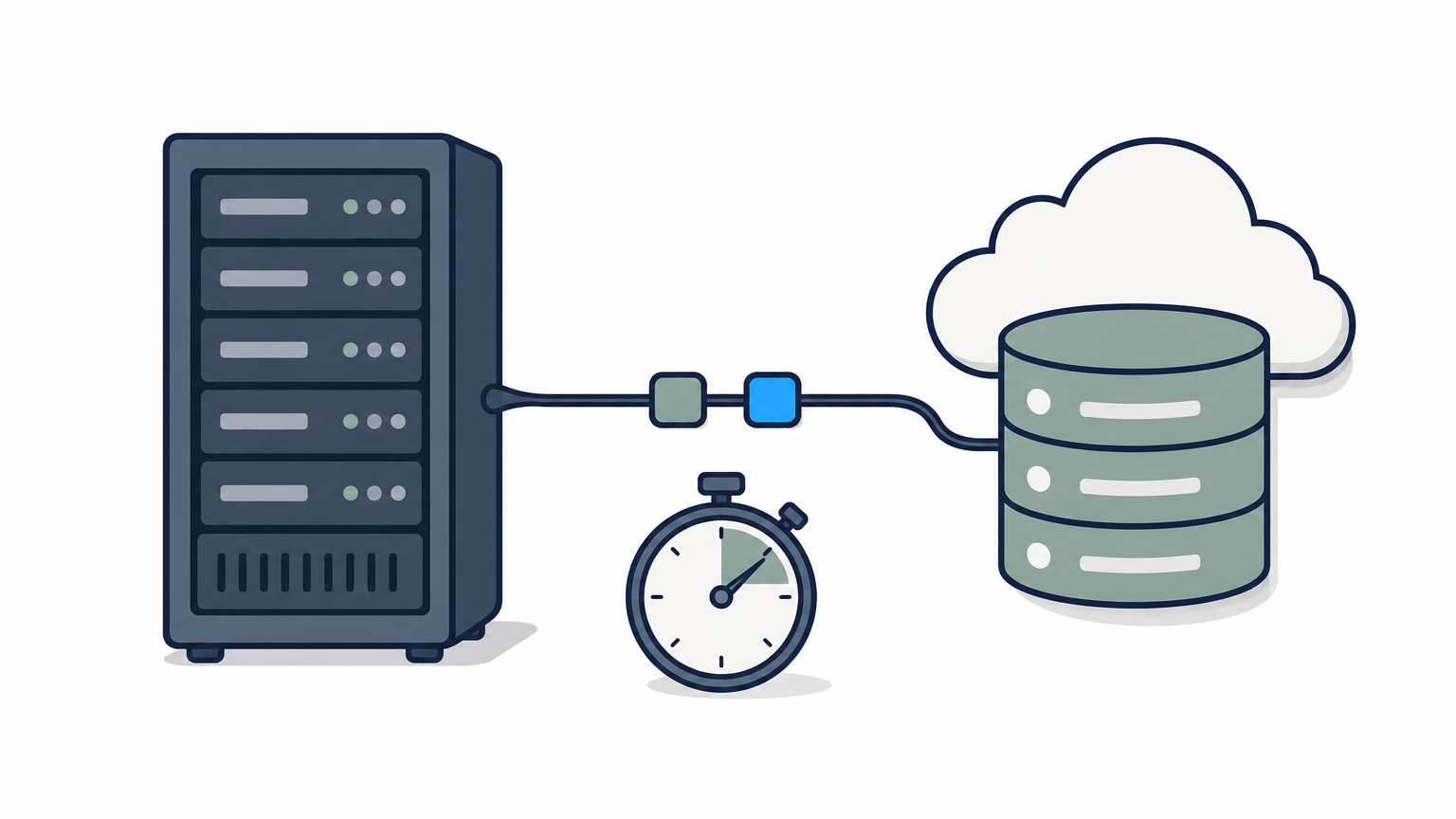
The cutover is short. You stop writes, wait for replication lag to reach zero, and point the application at the new database. Depending on your application, that often takes minutes instead of hours. This is the main reason teams choose AWS DMS for production systems.
DMS turns a long outage into a short cutover by copying the data while the old database keeps serving traffic.
It removes the infrastructure and licensing work
DMS is fully managed. AWS provisions the replication server, patches its software and, with a Multi-AZ setup, fails over to a standby if the primary instance dies. You do not install drivers or agents on the source in most cases. You also pay as you go, with no upfront license and no maintenance contract.
It supports most commercial and open-source engines, including Oracle, Microsoft SQL Server, MySQL, PostgreSQL, MariaDB, SAP ASE and MongoDB. Targets include Amazon RDS, Aurora, Redshift, DynamoDB, DocumentDB and S3. That range is why many teams reach for it first when they search for a data migration service on AWS.
Where DMS fits among AWS migration services
AWS names several services "migration" something. They are not interchangeable.
| Service | What it moves | Pick it when |
|---|---|---|
| AWS DMS | Database data, plus ongoing changes | You are moving or replicating a database |
| AWS Schema Conversion Tool or DMS Schema Conversion | Schema and code objects between different engines | You are changing engines, such as Oracle to PostgreSQL |
| AWS Application Migration Service | Whole servers, including OS, applications and data | You are doing a lift and shift of servers to EC2 |
| AWS DataSync | Files and object data | You are moving file shares or object storage |
AWS Server Migration Service no longer exists as a current option. Application Migration Service replaced it. AWS Migration Hub is a tracking tool, not a data mover, and AWS has changed its availability for new customers, so check the current AWS documentation before you plan around it.
How AWS DMS works
AWS DMS runs a replication instance that connects to a source endpoint, reads your data, and writes it to a target endpoint under a task that you define. Four ideas cover almost everything you need to know.
The core components
Every DMS migration uses the same three building blocks.
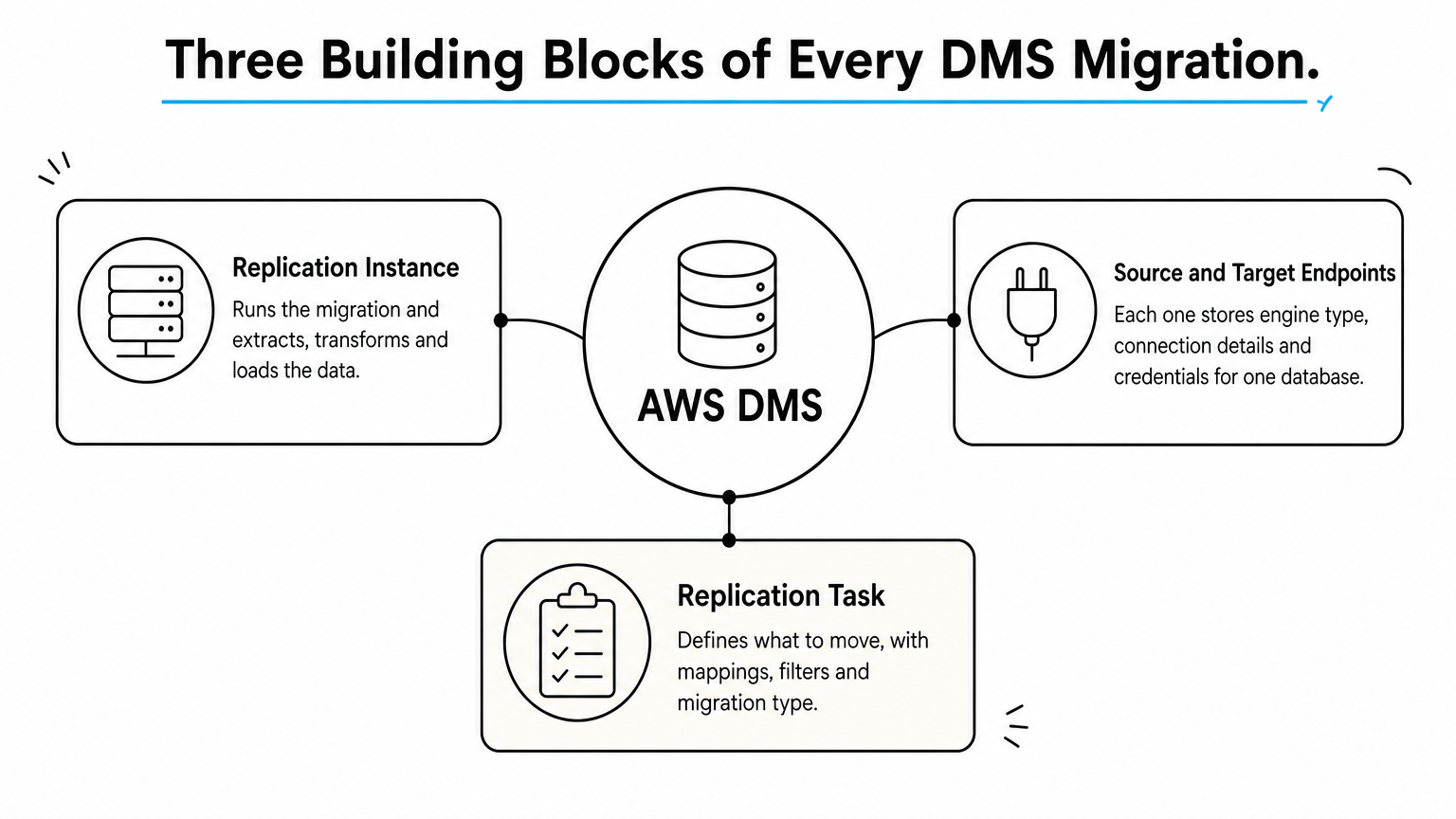
- Replication instance. The compute resource that runs the migration. It extracts, transforms and loads the data. You choose its size based on data volume and workload.
- Source and target endpoints. Each endpoint stores the engine type, connection details and credentials for one database. DMS needs at least one endpoint on AWS.
- Replication task. The job that says what to move and how. It holds your table mappings, any filters, transformation rules such as renaming a column, and the migration type.
You can also use DMS Serverless. Instead of choosing an instance size, you set a capacity range and DMS scales within it. That is useful when you cannot predict the workload.
Full load, change data capture, or both
A task runs in one of three modes. The choice decides how much downtime you get.
| Task type | What it does | Typical use |
|---|---|---|
| Full load | Copies all existing data once | Small databases, or when brief downtime is fine |
| CDC only | Replicates ongoing changes, no initial copy | You already loaded the data another way, such as a native backup |
| Full load plus CDC | Copies everything, then streams changes | Production databases that need minimal downtime |
Change data capture (CDC) reads the source’s transaction log and replays inserts, updates and deletes on the target. Full load plus CDC is the mode behind the "near-zero downtime" claims you read about DMS. CDC is also useful after the move, for disaster recovery copies or feeding an analytics database.
Full load plus CDC is the setting that makes low-downtime migration possible, so choose it for anything that serves live traffic.
Same engine or different engine
A homogeneous migration moves between the same engine, such as PostgreSQL to PostgreSQL. Schemas and data types match, so DMS can do most of the work. For small databases, native tools like pg_dump or mysqldump can be simpler, and AWS documents when each approach fits best.
A heterogeneous migration changes engines, such as Oracle to Aurora PostgreSQL. Data types do not map one to one, and stored procedures and views need conversion. DMS does not convert schemas on its own. You first run the AWS Schema Conversion Tool or DMS Schema Conversion, which produces an assessment report showing what converted automatically and what needs manual rewriting. Then DMS moves the data into the converted schema.
How to migrate a database with AWS DMS
A DMS migration follows six moves: assess, prepare, create resources, load and replicate, validate, and cut over. Most failures come from skipping the preparation, not from DMS itself.
Prepare the source, target and network
Do this before you create a single DMS resource.
- Audit the source. Record the database size, the largest tables, any large object columns (BLOBs and CLOBs) and engine-specific features.
- Convert the schema if you are changing engines, and fix what the conversion report flags.
- Create the target schema. Defer foreign keys and triggers on the target during the full load, because rows arrive in no guaranteed order.
- Enable change capture on the source. This is binary logging on MySQL, logical replication on PostgreSQL and supplemental logging on Oracle.
- Create a migration user on the source with only the permissions DMS needs.
- Open the network path. The replication instance must reach both databases through your VPC, security groups, and a VPN or Direct Connect link for on-premises sources.
Connectivity problems are the most common quiet failure. The task stalls instead of giving a clear error, so test the connection before anything else.
Create the replication resources and run the task
With the groundwork done, the DMS console steps are short.
- Create a replication instance in the same region and VPC as your target. Choose Multi-AZ for production.
- Create the source and target endpoints, then run the connection test on each.
- Create a database migration task. Choose full load plus CDC, set table mappings, and pick a large object mode.
- Run a premigration assessment if the option is available for your engines, then start the task.
- Watch task status, table statistics and replication lag in the console and in Amazon CloudWatch.
Large object handling matters here. Full LOB mode preserves everything but runs slowly. Limited LOB mode is faster but truncates values above the size limit you set. Check your column sizes first and choose deliberately.
Validate and cut over
Turn on DMS data validation, which compares source and target rows. Treat it as a first check, not the last. Run your application against the new database in staging before touching production, because matching row counts do not prove the application behaves correctly.
For the cutover, stop writes on the source, wait for lag to reach zero, repoint the application, and keep the old database read-only for a few days as a fallback.
A typical example is an on-premises Oracle database moving to Aurora PostgreSQL. You convert the schema, fix the flagged procedures by hand, deploy the schema, run full load plus CDC, validate in staging, and cut over once the lag is zero.
Test the entire path on a non-production copy first, because the load time you measure there is the cutover window you can plan around.
What AWS database migration costs with DMS
You pay for the replication capacity you use, plus storage, and the replication instance is usually the largest line on the bill. There is no license fee. Use the AWS DMS pricing page and the AWS Pricing Calculator for current rates in your region.
What you pay for
- Replication instance. Billed per hour while it exists, based on its class and size. You pay from provisioning until you delete it, even if the task is idle.
- Multi-AZ. A standby in another Availability Zone roughly doubles the instance cost. It is worth it when a mid-migration failure would be painful.
- DMS Serverless. Billed per DCU-hour, where one DCU equals 2 GB of memory. The rate is about $0.094 per DCU-hour, so confirm the current figure for your region.
- Storage. Instances include some storage for logs and cache, 50 GB on T-class and 100 GB on larger classes. Long runs or heavy LOB use can need more.
- Data transfer. DMS itself adds no transfer fee, but moving data between regions or out of AWS carries normal AWS transfer charges.
A worked example
Say you run DMS Serverless for a mid-sized database, averaging 8 DCUs for 50 hours of full load and catch-up. That is 8 × 50 = 400 DCU-hours. At about $0.094 each, the compute costs roughly $37.60. Add Multi-AZ if you want standby protection, and any transfer charges on your side.
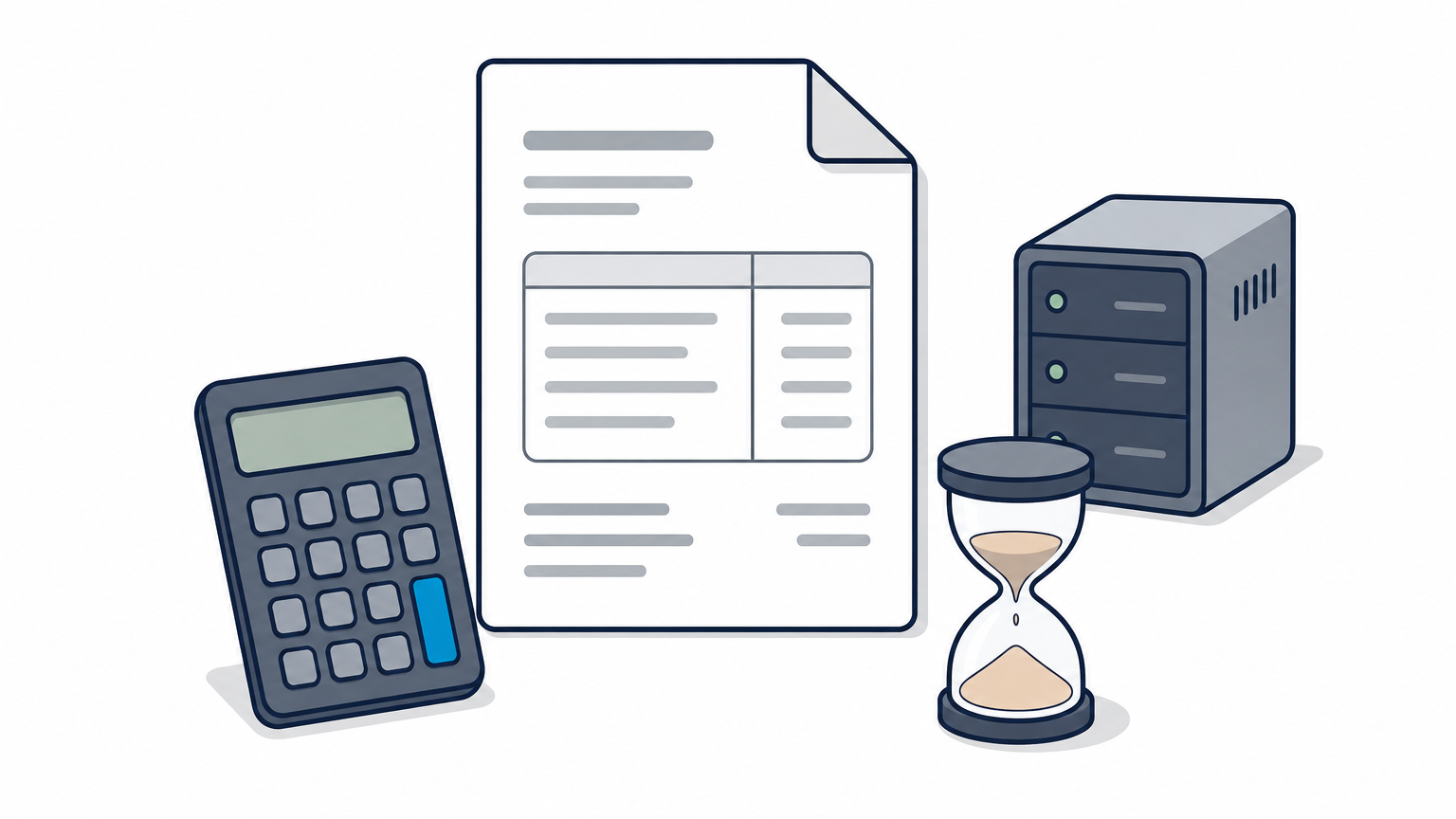
With a provisioned instance, the math is the hourly rate multiplied by hours running. A two-week project is 336 hours, so the hourly rate multiplied by 336 gives the compute bill.
One habit saves real money. Size up the instance for the full load, then move to a smaller class for the CDC phase. The full load is compute-heavy, and ongoing replication is not. Teams that leave the large instance running for the whole project often get a surprising invoice. When the migration is finished, delete the instance and endpoints.
The bill is driven by how long the replication instance runs and how large it is, so finish the project and shut it down.
When to use AWS DMS and when to look elsewhere
Use AWS DMS when you need to move or replicate relational or NoSQL data to AWS with minimal downtime. Look elsewhere when you are moving servers, files, or a database so complex that the data transfer is the smallest part of the job.
Good fits for DMS
- On-premises to AWS. Moving a data center database to RDS or Aurora over a VPN or Direct Connect link.
- Cloud to cloud. Moving from another provider’s managed database to Amazon RDS for the same engine.
- Engine changes. Oracle or SQL Server to PostgreSQL, paired with schema conversion.
- Ongoing replication. Feeding an analytics database, a cross-region read copy, or a disaster recovery target.
- Consolidation. Merging several databases into one, though mapping and conflict handling get harder fast.
Limits to plan around
DMS has real limits, and most of them surface late if you do not look for them.
- Large objects slow it down. Tables with big BLOB or text columns load far more slowly than plain rows.
- Schema complexity is manual work. Engine-specific PL/SQL, linked servers and non-standard data types need hand rewriting, and that is usually what sets your timeline.
- Parallelism has a ceiling. By default DMS loads up to eight tables in parallel. You can raise it, but a very large replication instance is needed to benefit.
- Validation is shallow. Row-level checks catch missing data, not application bugs.
- Networking fails quietly. A bad route or security group can leave a task stalled with little explanation.
The data transfer is rarely the hard part of a DMS migration. Schema conversion, large objects and networking are where the time goes.
When outside help makes sense
You can run a straightforward same-engine move yourself. Consider help when the source leans heavily on engine-specific features, when the database move is one piece of a larger cloud migration, when compliance requirements apply, or when you cannot tolerate data loss or extended downtime.
ThinkMove Solutions offers AWS Migration Services as part of its AWS consulting, along with security and compliance, cost optimization and 24/7 managed services. That helps when DMS is only one step of a wider move. A short assessment before you start usually tells you which kind of migration you have.
Where to start with AWS DMS
AWS DMS is the right tool for moving databases to AWS with minimal downtime, especially when the source and target engines match. It reads your source, loads the target, and keeps the two in sync through change data capture until you cut over. Pair it with schema conversion when you change engines, and expect the schema work, large objects and networking to take more time than the data copy.
Start by auditing your source, then run a full test migration on a non-production copy and measure it. Set your budget from that measured run time and a Multi-AZ decision. If you want a second opinion on the plan, talk to ThinkMove Solutions about your AWS database migration before you commit to a cutover date.
Why Choose Us

End-to-End Cloud Deployment
Scalable and secure cloud solutions tailored to your business needs.

Seamless System Integration
Connect all your platforms and tools into a single, efficient ecosystem.

Global Outsourcing Teams
Access top talent worldwide to accelerate growth and cut costs.

Agile, Data-Driven Approach
Make smarter decisions with real-time analytics and flexible workflows.

24/7 Expert Support
Round-the-clock technical assistance to keep your business running smoothly.

 Microsoft Azure

 DevOps
 Software Development
 Staff Augmentation
 React JS
 HTML / CSS / JS
 Website Redesign
 Zoom
 Bulk Sms
 AIMS


 AWS Database Migration Service: What It Is and How It Works